If you already run AD Group Manager Web, you have given team leaders direct control over their group memberships while keeping IT in oversight. The Self-Service Portal extends that same idea to the single most repetitive request your helpdesk handles: the forgotten password. Users reset their own Active Directory password from a browser, verify themselves by email or SMS, and get back to work without opening a ticket. The portal runs on-premises, every action is logged, and you keep full control over what is enabled.
Quick Summary: What the Self-Service Portal Does
- Self-service password reset: Users who are locked out or have forgotten their password recover it themselves, verified by a one-time code sent by email or SMS.
- Self-service for signed-in users: Change password, view profile, edit selected attributes, and see group memberships.
- Two ways to deploy: As an add-on module on your existing AD Group Manager Web install, or as a standalone portal on a separate server.
- On-premises, by design: No telemetry. It talks to your domain directly over LDAPS, with email sent through your own SMTP server. (Optional SMS uses your own Twilio account.)
Why a Companion to Group Manager Web
Group membership and password recovery are the two routine tasks that fill helpdesk queues. You have already removed the first one from your IT team's plate. Password reset is the natural next step, and it applies to every user in your directory regardless of how your environment is structured. Where group delegation depends on someone owning a group, password reset is universal: anyone with an account and an email address on file can use it.
Because it shares the same engine as AD Group Manager Web, the portal feels familiar to administer, installs the same way, and uses the same on-premises architecture you already trust. Nothing leaves your network.
Feature 1: Self-Service Password Reset
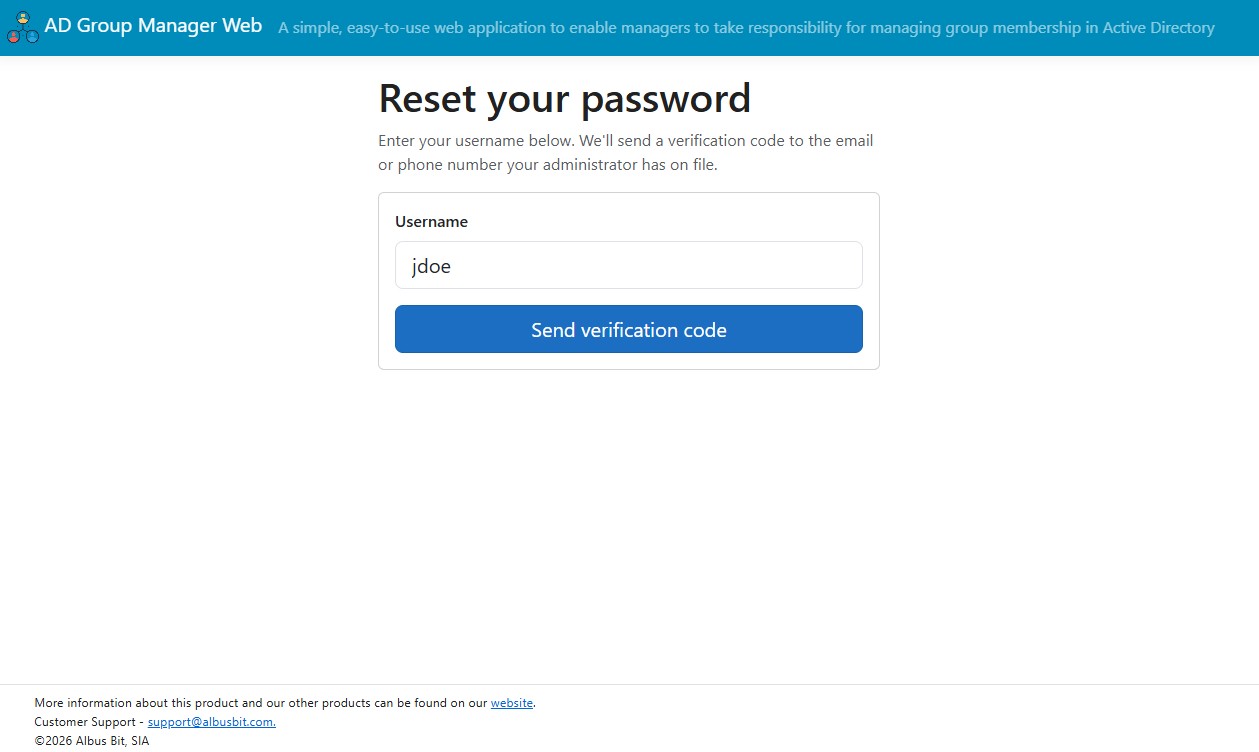
This is the headline feature, and it works without the user being logged in, which is the whole point. A user who cannot get into Windows still needs to recover their account.
How it works for the user
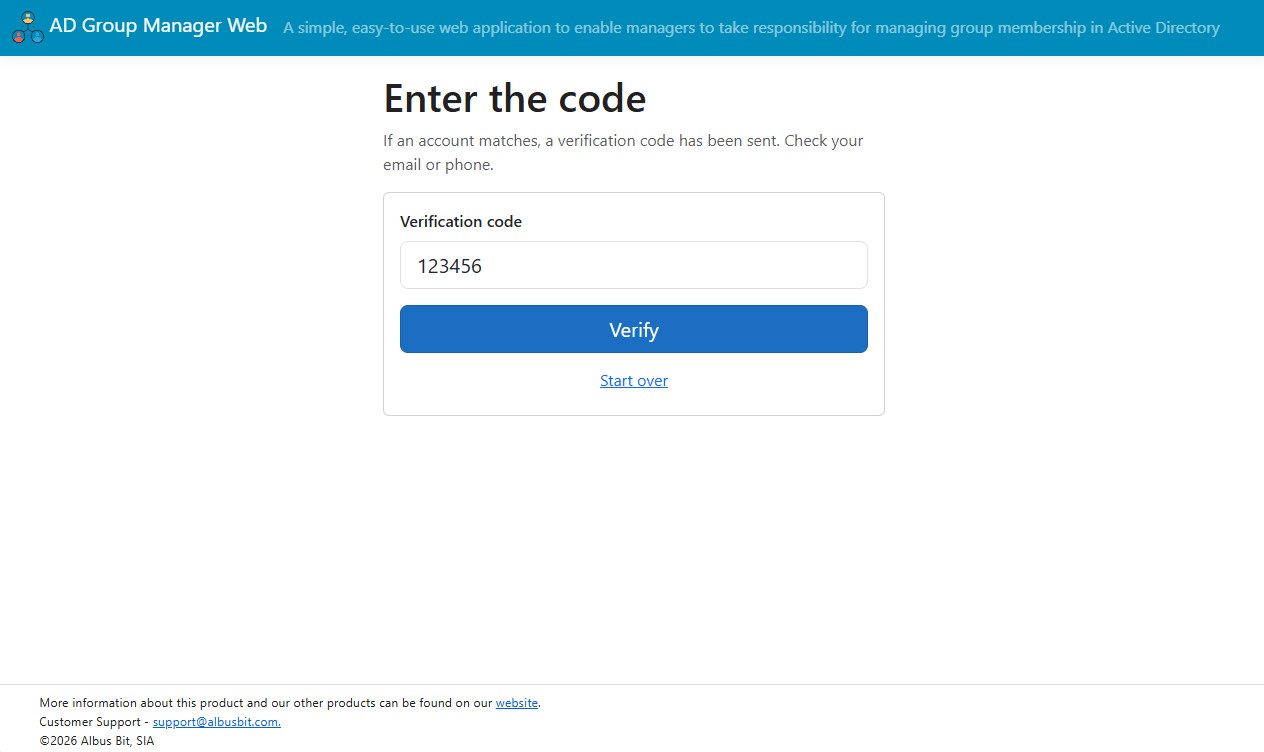
A "Forgot password?" link appears on the sign-in page when the feature is enabled. The user enters their username and the portal sends a one-time verification code to them, either by email or by SMS, depending on how you have configured the portal. The code is delivered to a designated Active Directory attribute on the user's account, which is configurable, so you can point it at a personal or alternate email address and a mobile number that a locked-out user can still reach. They enter the code, set a new password that meets your domain's complexity policy, and they are done. The new password is written straight back to Active Directory, so they can log in immediately.
You choose the verification method in settings: email only, SMS only, or both. Email is delivered through your own SMTP server. SMS is delivered through your own Twilio account, so the message goes out under your number and on your terms.
The security built around it
A public, unauthenticated reset page has to be hardened, and this one is. The protections are on by default and tunable in settings:
| Protection | What it does |
|---|---|
| Account enumeration protection | The page behaves identically whether the username exists, does not exist, or has no contact details on file, including a randomized response delay and an invisible honeypot field that traps automated bots. An attacker cannot use it to discover valid accounts. |
| Rate limiting | Limits reset requests both per source IP address and per username within a time window. Once a limit is hit, the UI looks the same but no code is sent. |
| Hashed verification codes | Codes are stored as a hash, never as readable digits, and expire after a configurable number of minutes. |
| Failed-attempt lockout | After a configurable number of wrong codes, the reset attempt is locked even if the correct code is entered afterward. |
| Full audit logging | Every attempt is recorded with username, action, timestamp, source IP, and outcome, including rate-limited and blocked attempts. Codes and passwords are never logged in plain text. |
Least-privilege by design
The portal performs the actual password write using a dedicated service account that needs only "Reset password" rights, delegated on the specific organizational units that hold your users. It does not need to be a Domain Admin, and it does not need domain-wide rights. If you scope the delegation to one OU, the portal can only reset accounts in that OU.
Feature 2: Self-Service for Signed-In Users
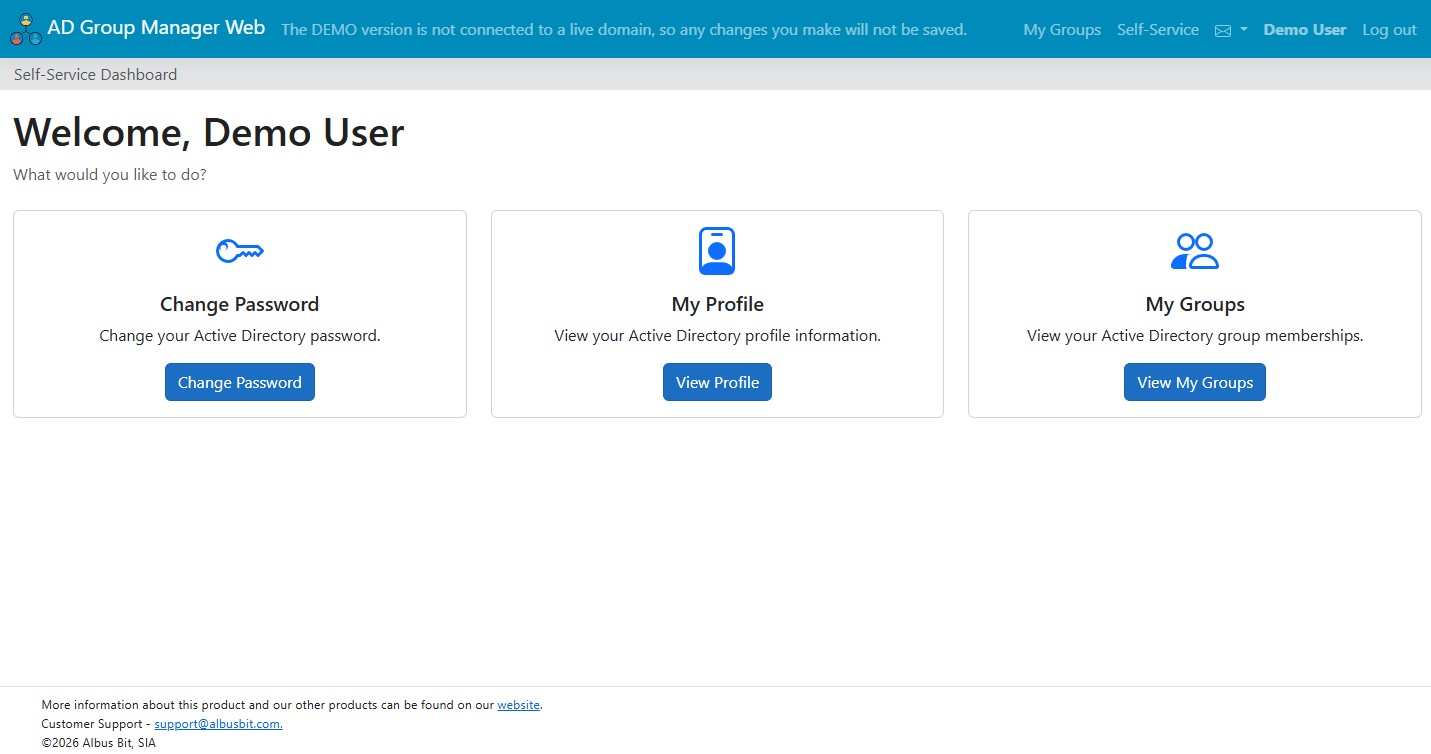
Once a user is authenticated with their existing Windows credentials, the portal gives them a small, focused dashboard for the things they would otherwise raise a ticket for.
Change password
A signed-in user can change their own Active Directory password from within the portal, again subject to your domain's complexity policy. This is the everyday case, separate from the locked-out recovery flow above.
View profile
Users see their own Active Directory profile, such as name, department, title, and email. It gives people a single place to confirm what the directory holds about them, which heads off a surprising number of "is my info correct?" tickets.
Edit selected attributes (optional)
You decide whether users can edit anything, and if so, exactly which attributes. The list of editable fields is defined by you in settings, and the portal enforces that list on the server side, so a user can only change the attributes you have explicitly opened up. In environments where HR systems feed Active Directory, you can simply leave editing off and keep the portal as view-only plus password reset.
My Groups
Users can see the groups they belong to. It pairs naturally with AD Group Manager Web: people see their memberships in the portal, and the managers who own those groups manage them in Group Manager.
The Self-Service Portal is available as an add-on module that activates inside your existing installation, or as a standalone portal on a separate server. We would be glad to set you up with access to evaluate it in your own environment.
Contact Us On-premises • No cloud, no telemetryHow to Configure It
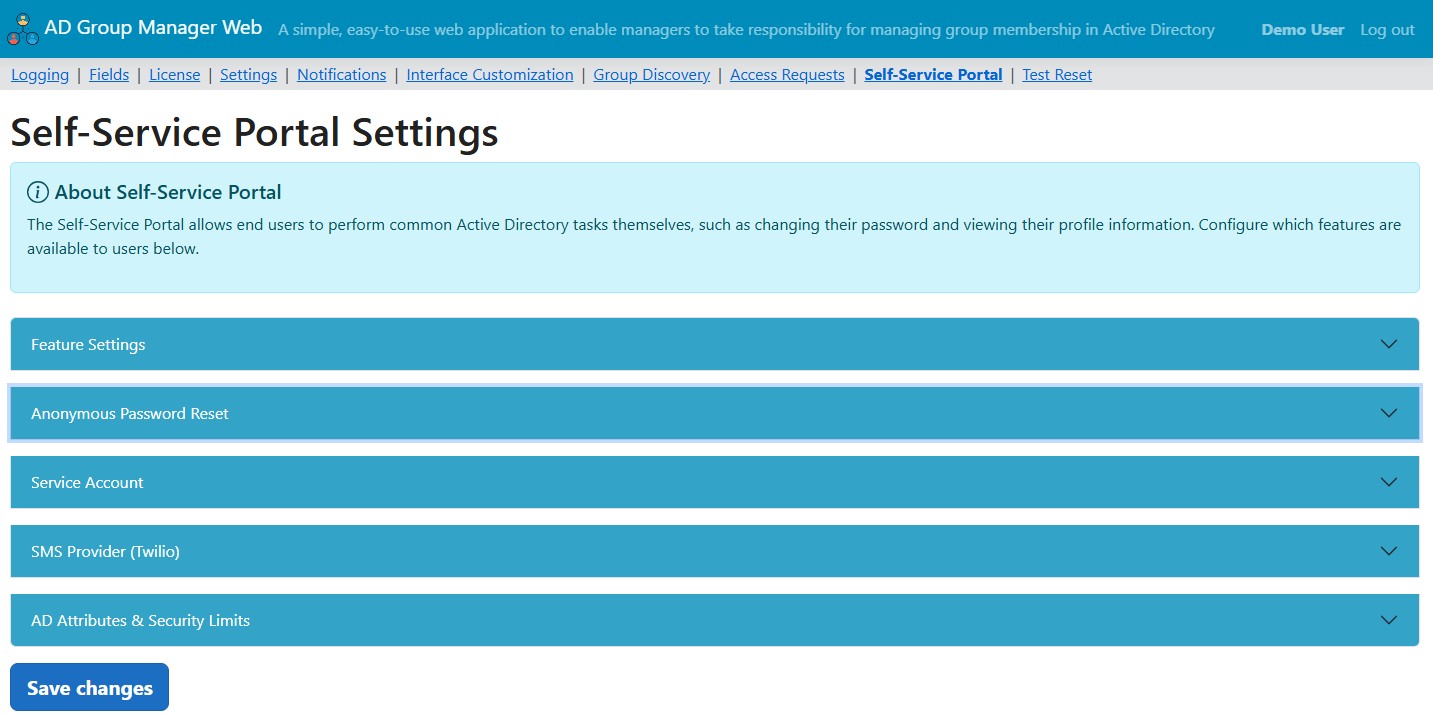
Configuration lives on a dedicated admin page that appears once the module is licensed. Here is the path from install to a working reset flow.
1. Enable the module
With the Self-Service Portal licensed, a new Self-Service Portal entry appears in the admin navigation. As an add-on it runs alongside your existing group management features; as a standalone deployment it runs on its own without the group management module licensed.
2. Create and delegate a service account
Create a dedicated Active Directory service account for the portal and delegate only "Reset password" rights to it, scoped to the OU or OUs that contain the users who will use self-service reset. Avoid domain-wide rights. When you configure the account in the portal, set the domain as a fully qualified, DNS-resolvable name rather than the short NetBIOS name.
3. Configure verification delivery
Choose how codes reach your users. For email, point the portal at your SMTP server. For SMS, enter your Twilio account credentials and sending number; the portal sends the code through your own Twilio account. You can run email only, SMS only, or both. You can also tell the portal which Active Directory attributes hold each user's email and phone, so you can use a personal or alternate address rather than the primary corporate mailbox a locked-out user might not be able to open.
Reset depends on the user actually having a reachable email or phone on file. A user with neither is handled gracefully: the portal does not reveal the missing detail, it simply cannot deliver a code, which is the correct security behavior.
4. Turn on the features you want
Use the toggles to enable password reset, password change, and profile view independently. If you want profile editing, specify the exact attributes users may edit. Set the security limits to match your policy: the per-IP rate limit and window, the verification code lifetime, and the maximum failed attempts before lockout.
Secrets are encrypted at rest
Sensitive settings such as the service account password and your Twilio auth token are encrypted in the portal's local database rather than stored in plain text, and are never rendered back into the page after saving.
5. Verify with the built-in test page
Before you announce it to users, run the portal's diagnostic page against a test username. It confirms that the service account connects and that the user can be found, so you catch a delegation or domain-name mistake at setup time instead of on a user's first attempt.
A note on the connection
The portal prefers an encrypted LDAPS connection to your domain controller. If no certificate is available it falls back to a signed and sealed connection, so the directory traffic is protected either way.
Add-On or Standalone
You have two ways to run it, and the choice does not change the feature set:
| Option | When it fits |
|---|---|
| Add-on module | You already run AD Group Manager Web and want self-service on the same install, sharing the same server and admin experience. |
| Standalone portal | You want self-service running on a separate server, for example on its own host in a different network segment, with no dependency on the group management module. |
Getting Started
If you would like to try the Self-Service Portal against your own directory, get in touch and we will provide access and the setup details for your environment. As an existing AD Group Manager Web customer you are exactly who we built this companion for, and we would value your feedback as it rolls out.
For pricing, whether as an add-on to your current license or as a standalone deployment, contact us and we will send you the details.